
In brief
What Blacklist does in Atom.
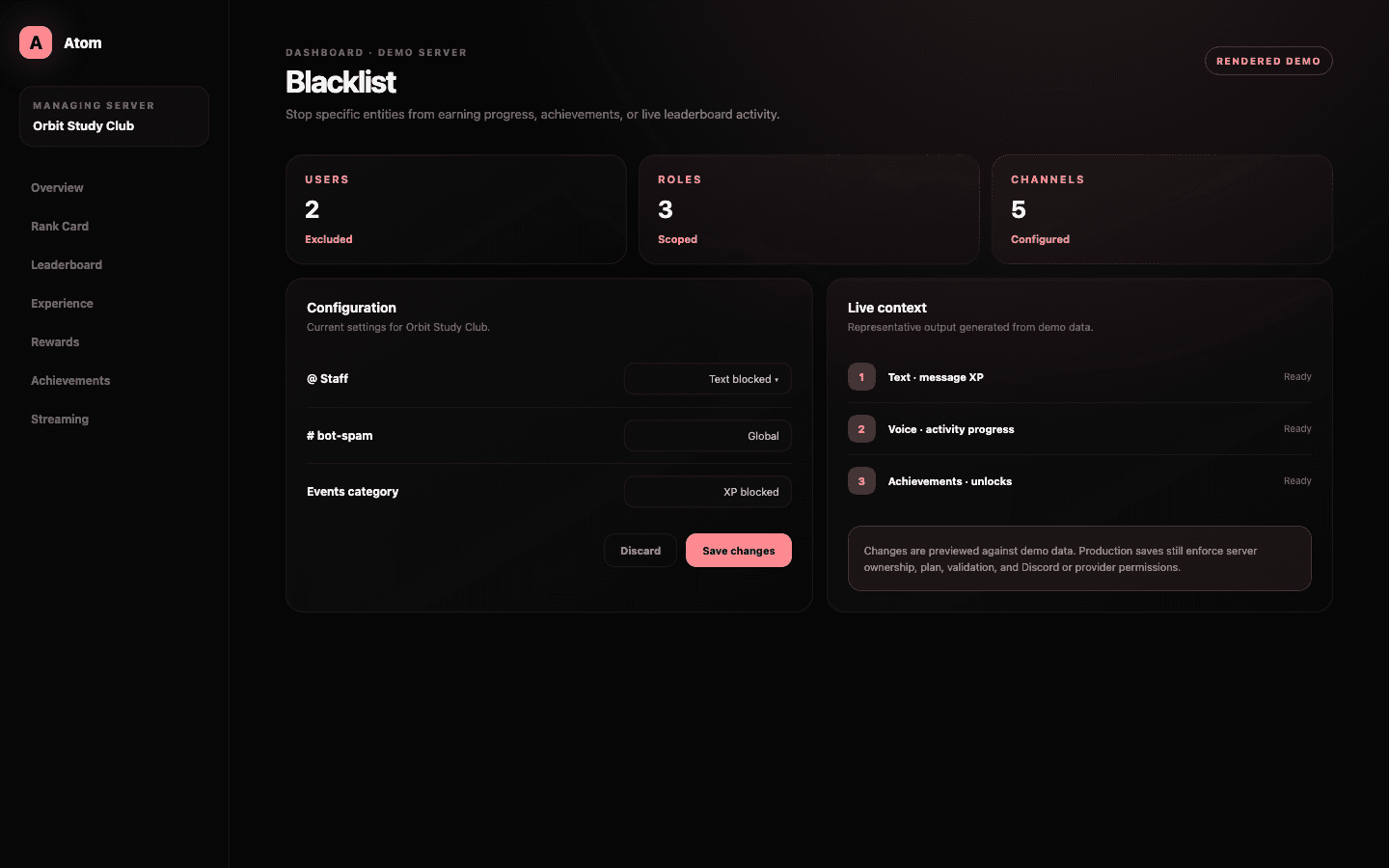
Atom Blacklist prevents selected users, roles, channels, or channel categories from contributing to configured progression surfaces. Entries can apply to text, voice, reactions, achievements, and live periodic leaderboards instead of forcing every exclusion to disable every feature.
01
Blacklist users, roles, channels, and categories at the eligibility layer.
02
Scope exclusions to text, voice, reactions, achievements, or live leaderboards where appropriate.
03
Check parent categories and member roles before treating missing progress as a bug.
Users, roles, channels, categories
Apply the rule at the broadest stable boundary that matches the policy.
A user exclusion fits a specific account; a role exclusion fits a group whose membership already expresses the policy. Channel exclusions fit one conversation, while a category exclusion covers the channels organized beneath it. Choosing the right entity reduces maintenance and makes the rule easier to explain.
Avoid recreating the same policy with dozens of individual entries when one stable role or category is authoritative. At the same time, do not blacklist an entire category just because one high-volume channel needs different treatment. The scope should be broad enough to remain maintainable and narrow enough to preserve legitimate participation.
Activity-specific policy
Block only the progression surfaces the policy requires.
Entries can carry scopes for text, voice, reactions, achievements, and the live periodic leaderboard. This prevents a moderation role excluded from message XP from automatically losing access to every collectible milestone, or an event channel excluded from normal progression from vanishing from an intentionally configured competition.
Global behavior deserves special care because it is easy to forget and difficult to infer from one member’s outcome. Review the Global area before adding a local exception. A layered rule can be correct, but only if administrators know which layer is responsible.
Trace eligibility
A blacklist can arrive through more than one path.
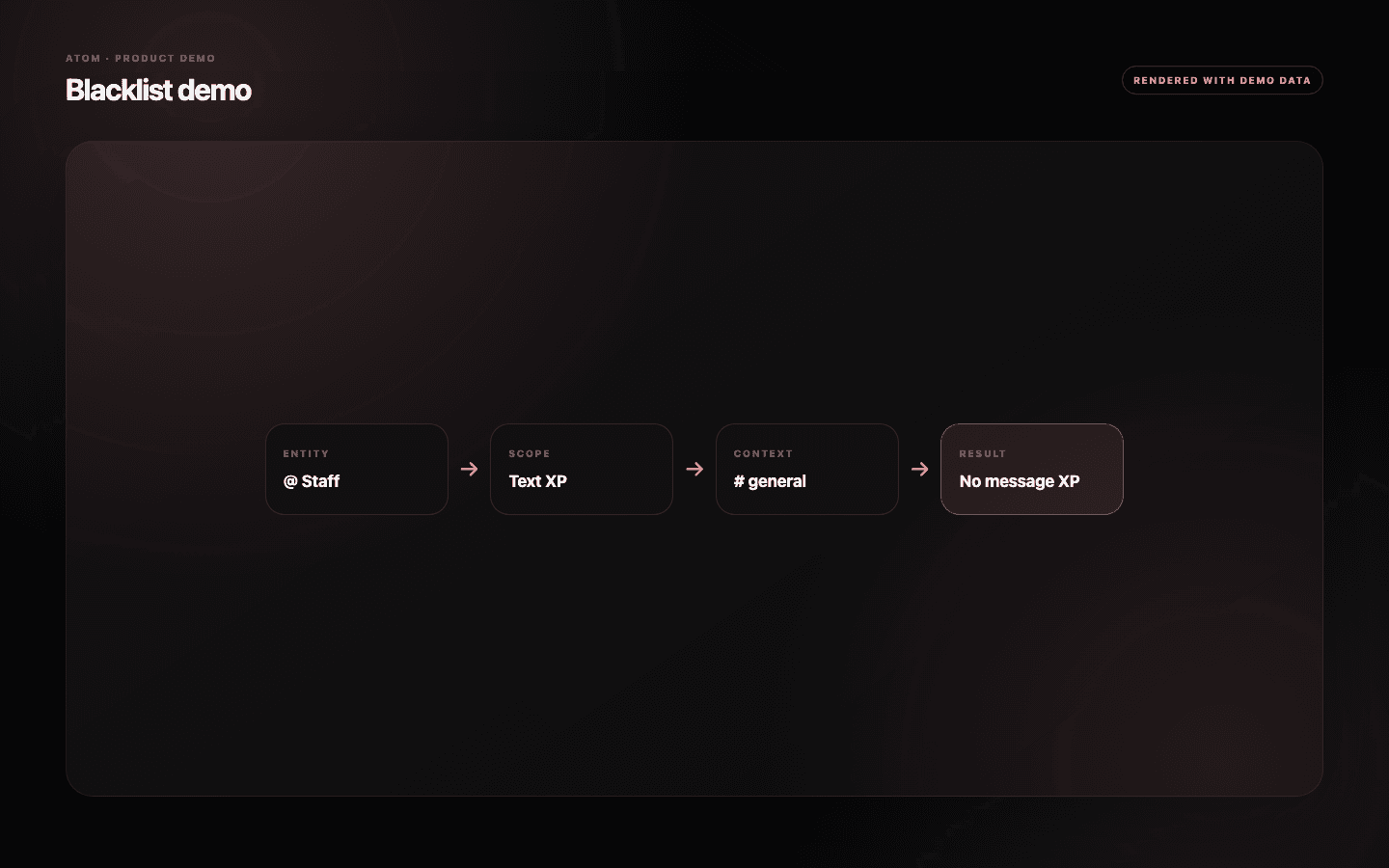
When a member does not earn progress, check the account, every relevant role, the channel, and its parent category. Then check the scope against the activity in question. A text exclusion does not prove voice is excluded, and an achievement exclusion does not necessarily remove base XP.
Also inspect Cooldown, Experience, multipliers, permissions, and minimum activity requirements. Blacklist is one gate in a wider progression pipeline. Diagnosing the full path avoids removing a valid safety rule to fix an unrelated configuration problem.
- Identify the exact activity that did not progress.
- Trace user, roles, channel, and parent category in order.
- Confirm the exclusion scope before changing an entry.
Maintenance
Every exclusion should have a reason someone else can recover.
Role and channel structures change. A category can be repurposed, an event role can become permanent, and a deleted Discord entity can leave an opaque ID in historical configuration. Review the list after major server reorganization and remove rules whose policy no longer exists.
Keep a short internal note for sensitive exclusions, especially staff, bots, prize channels, and anti-farming controls. The dashboard identifies the entity and ID; the community’s operating record should explain why the rule exists and who approved it.
Common questions
What administrators ask before they switch it on.
What can I blacklist in Atom?
The dashboard supports Discord users, roles, channels, and channel categories.
Does a blacklist entry disable every Atom feature?
Not necessarily. Entries can be scoped to text, voice, reactions, achievements, and live periodic leaderboards.
Why is a user still excluded after I removed their direct entry?
They may inherit an exclusion from a role, the current channel, or its parent category. Trace every applicable layer.
Should bots and staff earn XP?
That is a community policy decision. Many servers exclude automation and some staff activity to protect rankings, but the scope should match the intended behavior.