
In brief
What Crates does in Atom.
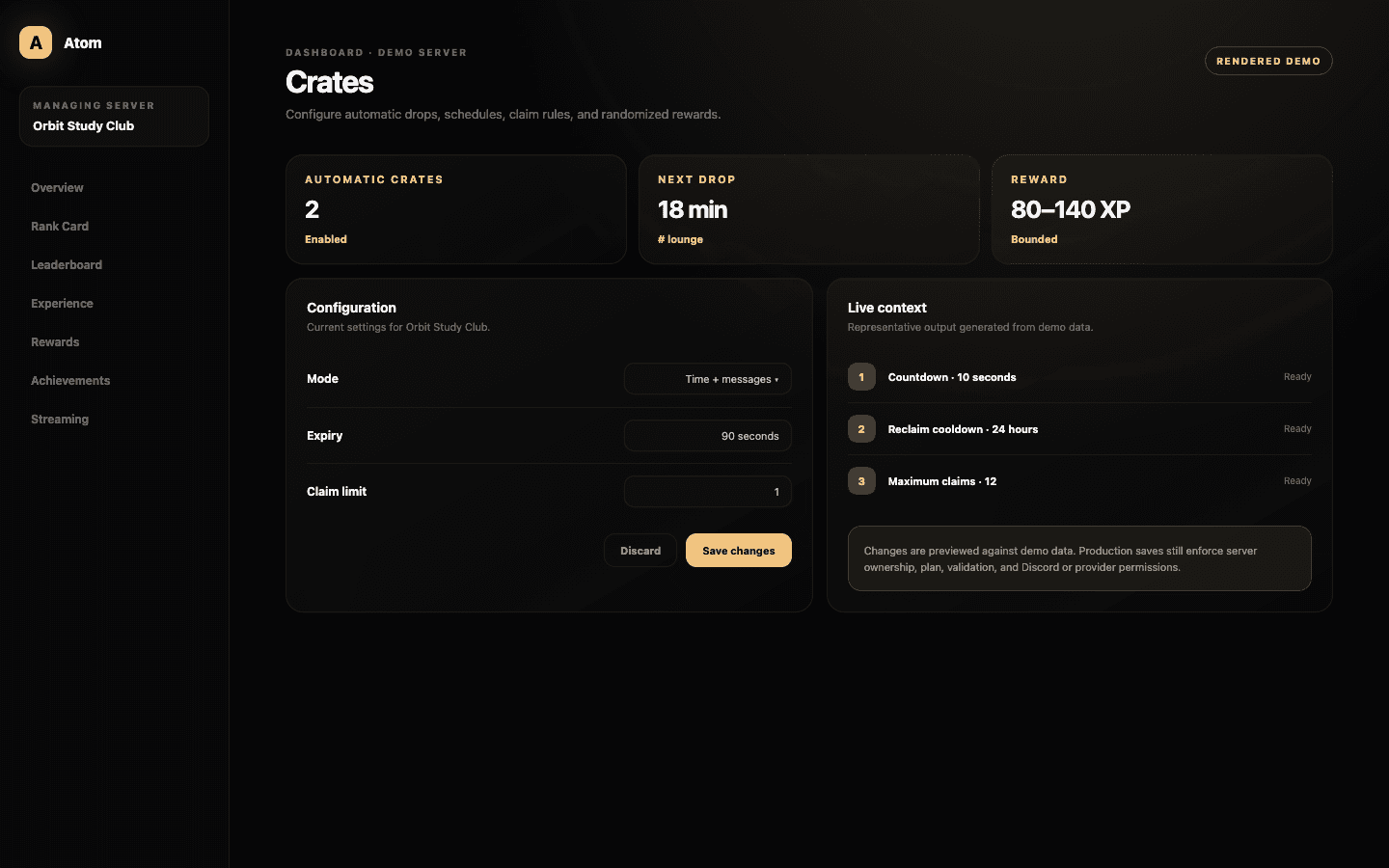
Atom Crates creates scheduled or activity-driven claim events in a Discord channel. Each crate has an enabled state, message scope, schedule, expiry and claim rules, and a bounded randomized reward such as XP or levels. Multiple crate configurations can coexist when each has a distinct purpose.
01
A crate joins a trigger, a destination, a claim window, per-member rules, and a bounded reward.
02
Time-based and message-based schedules create different social patterns and should be explained differently.
03
Randomness belongs inside a published minimum and maximum, not behind an unknowable outcome.
One event, several controls
A crate should arrive for a reason members can understand.
The enabled state and destination channel establish where the drop lives. The mode decides whether the schedule is driven by elapsed time, message activity, or the supported combination. A recurring social channel can support activity-based drops, while an event channel may need a predictable interval that moderators can announce.
Message scope determines which messages contribute when activity is part of the trigger. Avoid counting automation, staff-only traffic, or unrelated high-volume feeds simply because they are convenient. The schedule should reflect community participation, not reward the easiest source of raw events.
Expiry and fairness
Give members enough time to respond without turning the drop into permanent clutter.
Expiry defines how long a crate remains claimable. Countdown can create anticipation before the claim opens, retries control recovery behavior, reclaim cooldown prevents the same member from dominating repeated drops, and claim limit caps how many successful claims one member can make in the event.
Tune the values together. A very short expiry combined with a long countdown can favor members already watching the channel. A generous window with no meaningful limit can let one timezone or automation pattern consume the event. Publish the essential rules in the surrounding community documentation.
Randomized outcomes
Random should create variation, not uncertainty about the system.
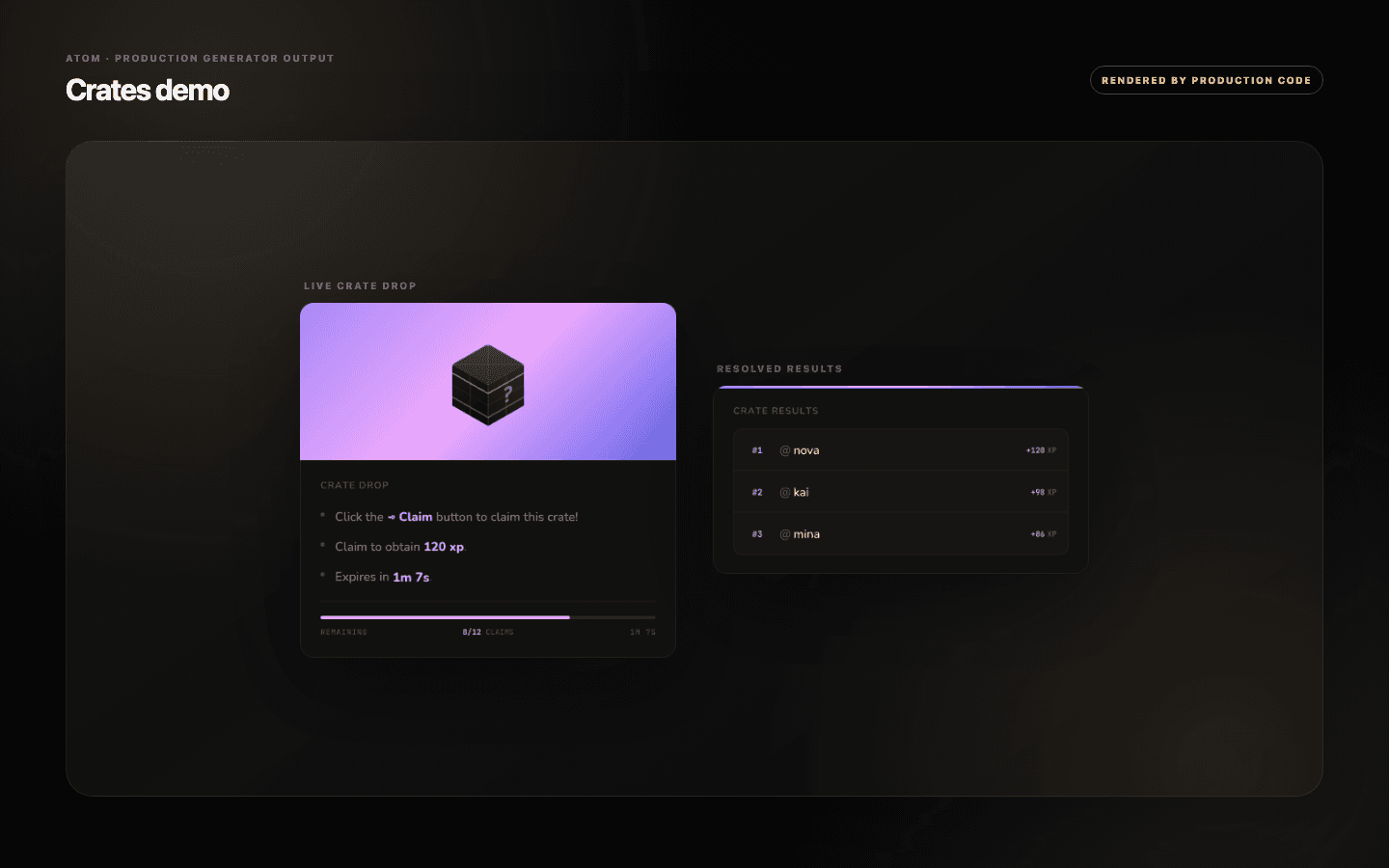
The reward editor defines a minimum and maximum XP range for eligible plans, or the supported fixed value where the plan uses one applied amount. Level rewards can also be configured within their own bounds. Atom selects inside the configured range; administrators remain responsible for the range itself.
Compare the largest possible result with normal earning and the level formula. A single crate should not erase weeks of progression unless that is the explicit event design. If the reward is unusually large, cap the number of claims and state the odds or bounds members need to understand.
Lifecycle
Start with one crate, inspect a full cycle, then decide whether to repeat it.
Watch the first scheduled appearance, countdown, claim behavior, expiry, and resulting rewards. Confirm that the bot can send and update messages in the destination and that the timing aligns with the dashboard. A configuration that looks correct but never completes a live cycle is not ready to multiply.
Delete a crate only after confirming which configuration ID and event it represents. Removal is permanent for that definition. For a temporary pause, disable it instead so the schedule and rules remain available for review before a future relaunch.
Common questions
What administrators ask before they switch it on.
Can crates run on a schedule or message activity?
Yes. The configuration supports time and message-related modes with interval and message-scope controls.
How do I stop one member claiming every crate?
Use claim limits and reclaim cooldown together, and set an expiry appropriate to the size and activity pattern of the server.
Are crate rewards random?
They can be selected within administrator-defined minimum and maximum bounds. The dashboard keeps those boundaries explicit.
Should I delete or disable a seasonal crate?
Disable it if you may reuse or audit the configuration. Delete only when the definition is no longer needed.