
In brief
What Customizations does in Atom.
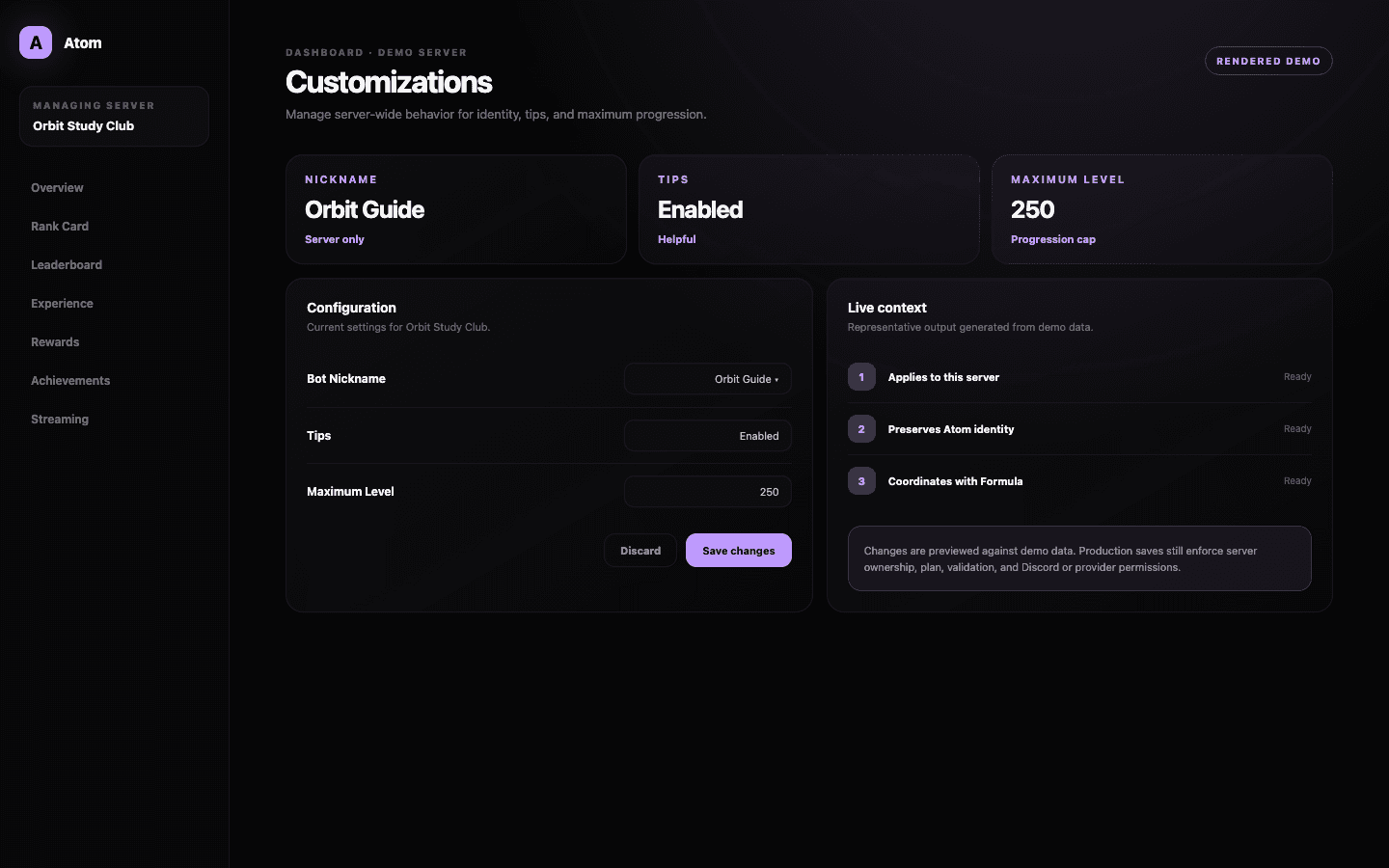
Atom Customizations manages a small set of server-wide values that do not belong to one activity editor. The current surface includes bot nickname presentation, tip behavior, and the maximum level limit that caps progression across the server.
01
Customizations holds broad server behavior, not every visual or activity setting.
02
The bot nickname changes server presentation without changing the application identity.
03
Maximum level is a progression boundary that must agree with formula and reward design.
Global values
Use this page for settings that apply beyond one feature.
Customizations is intentionally narrower than its name may imply. Language has its own locale workflow, Prefix has command-specific validation, Rank Card has a full visual editor, and Experience owns activity policy. This page collects the values whose effect is broad and whose change frequency should be low.
That separation prevents one large miscellaneous form from becoming the hidden source of every server behavior. When diagnosing an issue, administrators can map the symptom to the appropriate editor instead of searching through an undifferentiated settings catalogue.
Server-facing identity
A nickname should make Atom easier to recognize, not harder to trust.
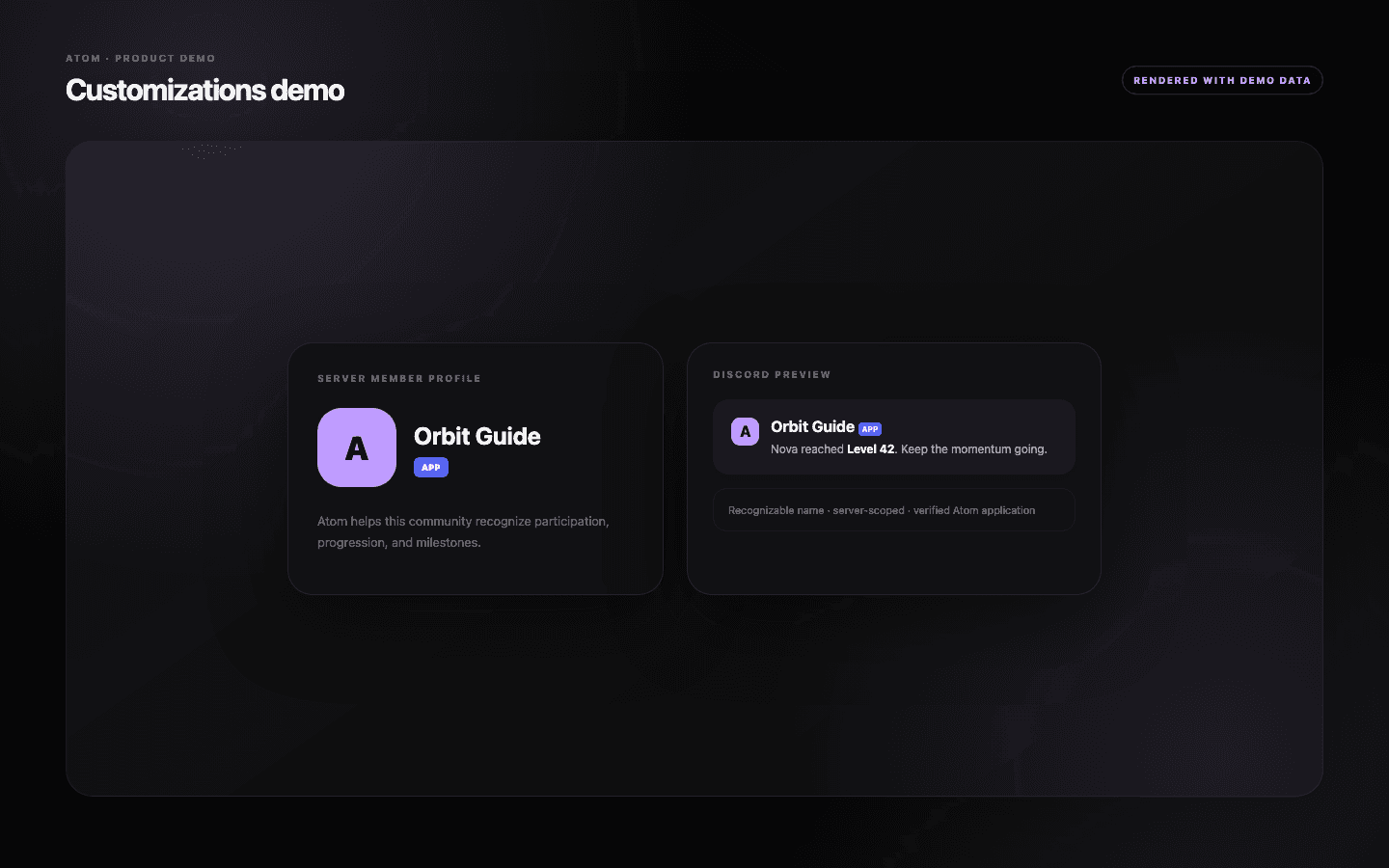
The bot nickname changes how the member appears inside the selected Discord server where the platform and permissions allow it. It does not create a new bot, transfer ownership, or change the authenticated Atom application. Keep the name distinct from human moderators and other automation.
If the server uses a branded nickname, update onboarding and support references at the same time. Members should be able to connect the visible profile with Atom’s commands, rank cards, and automated messages even when the local name is different.
Maximum progression
The maximum level is a product boundary members will eventually reach.
Maximum Level defines the ceiling for the server’s progression. Evaluate it beside the formula and expected earning rate: a cap of 25,000 may be technically valid but socially meaningless if no member can approach it, while a low cap can strand committed members without a next goal.
Place final rewards and community messaging before the cap. Decide what happens after a member reaches it and whether the server will later extend the curve. The dashboard stores a number; the community experiences a conclusion to the progression journey.
Low-frequency maintenance
Change global settings slowly and verify every dependent surface.
The form validates current values and keeps the previous configuration when a dashboard action fails. Record broad changes, particularly a new maximum level, because their effect can appear later in leaderboards, rank cards, rewards, and announcements rather than immediately on the page.
After saving, verify the bot member presentation and a representative progression surface. If one output still shows old information, identify whether it is cached, permission-limited, or driven by a more specific editor before repeating the global save.
Common questions
What administrators ask before they switch it on.
What does Customizations control?
The current page covers broad server values such as bot nickname presentation, tip behavior, and the maximum leveling boundary.
Is Rank Card design in Customizations?
No. Rank Card has a dedicated visual editor with versions, backgrounds, colors, progress styling, and a live preview.
Does changing the nickname create a new bot?
No. It changes supported server-facing presentation for the existing Atom bot member.
How should I choose a maximum level?
Project the formula and real earning rate, align final rewards with the cap, and decide what members experience after reaching it.