
In brief
What Danger does in Atom.
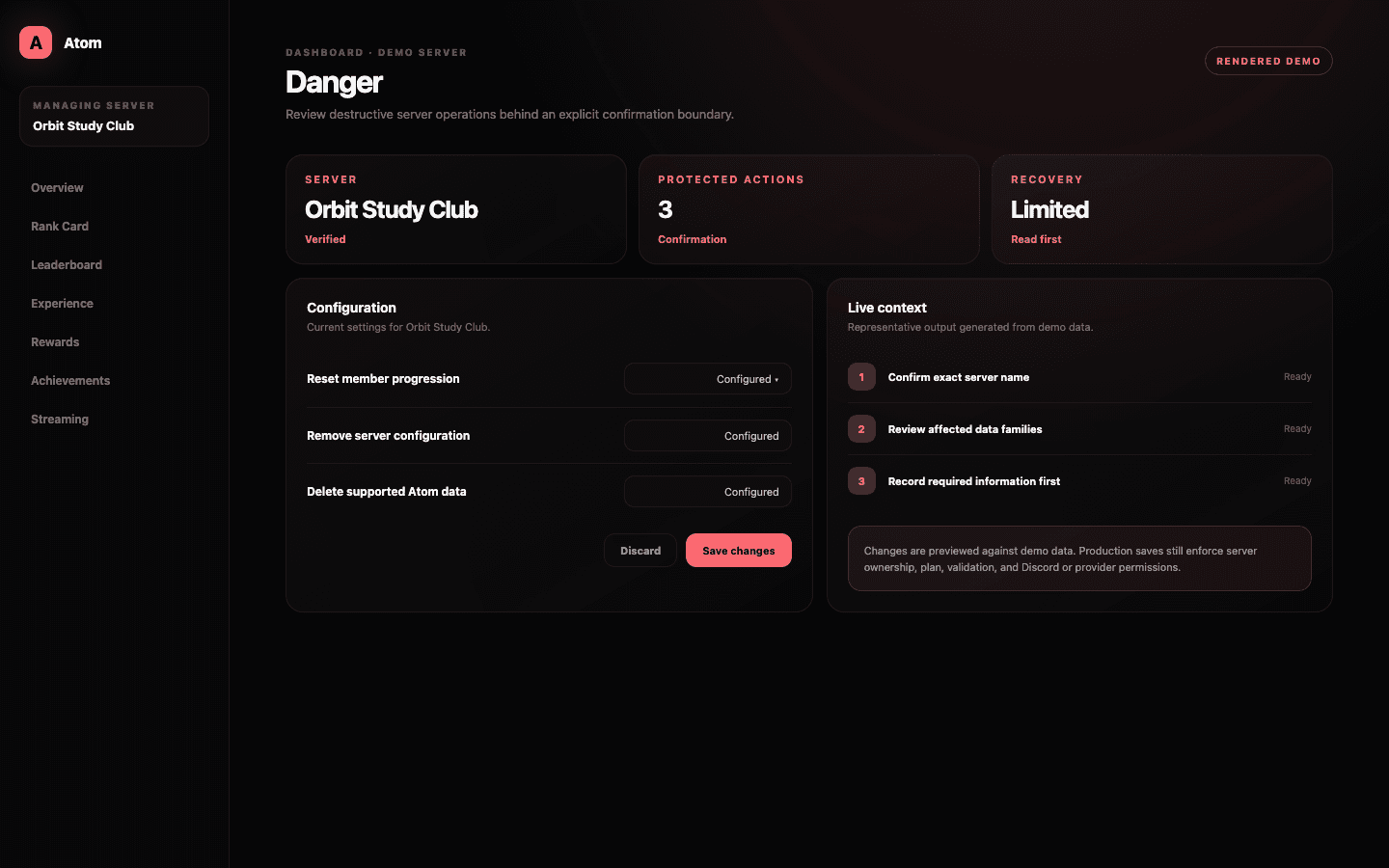
The Danger page is the controlled surface for high-impact Atom operations such as deleting or resetting server data. It is intentionally separated from routine configuration and uses confirmation steps so an accidental click cannot silently remove community state.
01
Danger actions are separate because their effects can be broad or irreversible.
02
The dashboard verifies scope and intent before submitting a destructive request.
03
Removing Atom from Discord is not always the same as deleting Atom’s stored server data.
A deliberate boundary
Routine editing and destructive maintenance should never feel alike.
Most dashboard changes are reversible: an XP range can be restored, a message can be edited, and a channel rule can be removed. A data reset or deletion is different because it can affect many members at once and may destroy the evidence needed to reconstruct previous levels. Atom isolates these actions so muscle memory from ordinary save buttons does not carry into a destructive flow.
The page also gives the operation room to explain itself. Administrators should be able to see which server is targeted, which data families are affected, whether the bot remains installed, and whether the action can be undone before entering confirmation.
Know what will change
Read the nouns in the warning, not just the color around it.
A reset can refer to member XP, levels, configuration, rewards, or a wider server record. Those scopes are not interchangeable. Use the operation’s exact description and confirmation summary as the authority, and do not infer that one red button performs every kind of cleanup.
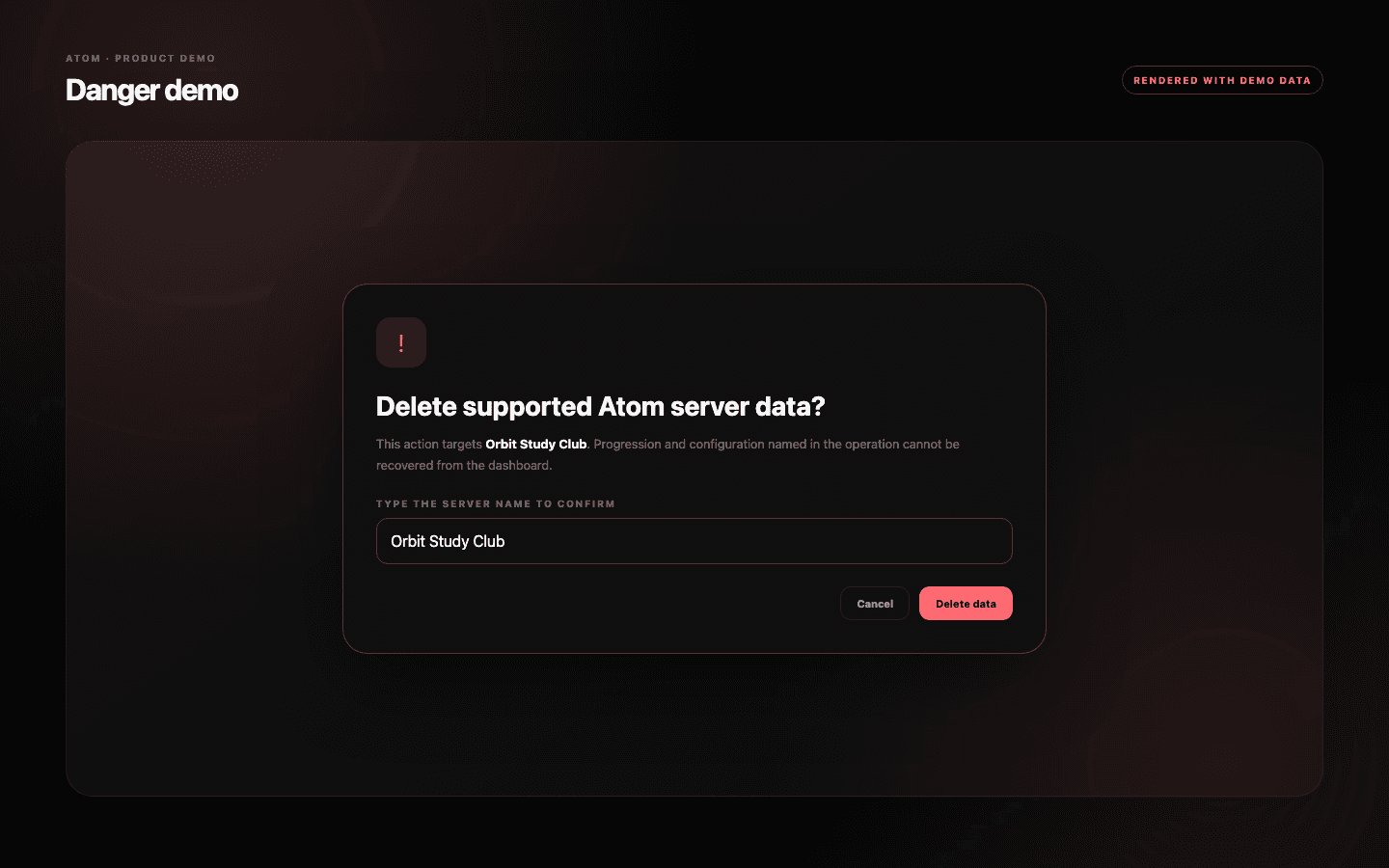
Confirm the server identity as carefully as the action. Administrators often manage several communities with similar names, and an open dashboard tab can become stale. Atom’s confirmation uses server context and explicit input to reduce that risk, but the person authorizing the action remains responsible for checking the target.
- Record the current server name and ID before beginning.
- Identify the exact data families named by the operation.
- Tell other administrators when the maintenance window starts and ends.
Before confirmation
Preserve the context you will need after the data is gone.
Take screenshots or exports of leaderboards, reward ladders, and any member state you are required to retain. Atom’s public dashboard is not a compliance archive, so communities with legal, contest, or support obligations should use their own approved recordkeeping before deleting data.
Pause related announcements, rewards, or events where a reset would produce misleading outcomes. If members can earn immediately after deletion, decide whether that is intentional. A clean reset is an operational sequence, not only a button press.
Two different decisions
Uninstalling the bot and deleting its data answer different questions.
Removing Atom from a Discord server ends the bot’s live access, but product data can have a separate retention and deletion lifecycle. Conversely, deleting supported Atom data does not necessarily remove the Discord application from the server. Use the installation controls for access and the Danger page for the data operations it explicitly names.
If the goal is temporary downtime, prefer disabling the relevant module or removing a command permission where supported. Destructive deletion is appropriate only when the community intends the documented loss of state, not as a troubleshooting shortcut.
Common questions
What administrators ask before they switch it on.
Can a destructive action be undone?
Treat every Danger action as irreversible unless the confirmation explicitly says otherwise. Preserve any required records before submitting it.
Does removing Atom from Discord delete all stored data?
Not necessarily. Installation access and product-data deletion are separate lifecycles; use the exact operation documented in the Danger page.
Who should use the Danger page?
Only an authorized administrator who understands the selected server and the full scope named in the confirmation.
Should I reset data to fix a configuration problem?
Usually no. Diagnose the affected feature, permissions, or resource access first. Resetting data can remove evidence without fixing the cause.