
In brief
What Overview does in Atom.
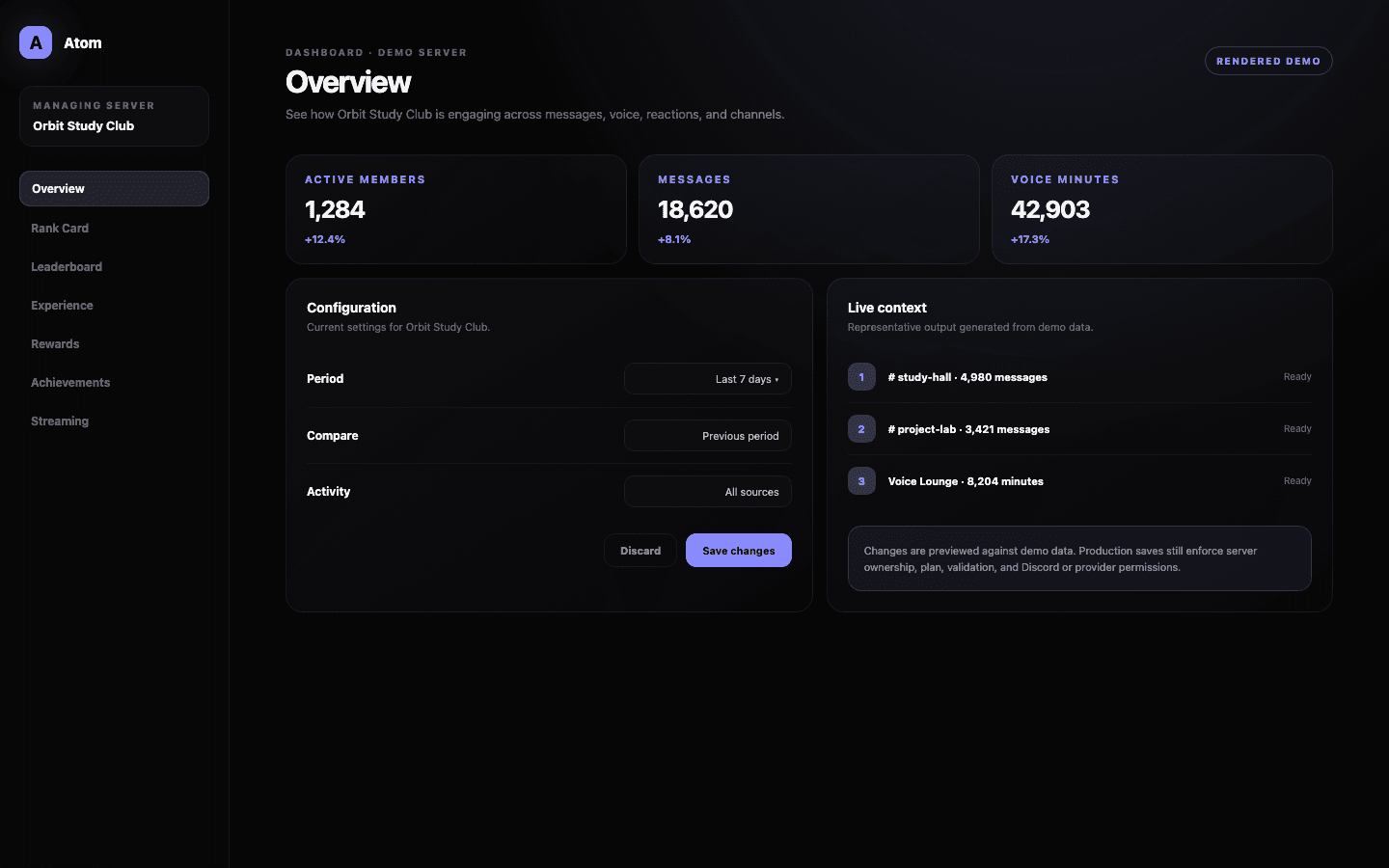
Atom Overview is the analytics home for a server. It gathers the activity signals already used by Atom—messages, voice participation, reactions, and channels—and presents them across day, week, month, and year views. The page is designed for diagnosis and planning; it does not change XP or member data by itself.
01
Compare day, week, month, and year views without rebuilding the report.
02
Read messages, voice, reactions, and channel activity as parts of one community system.
03
Use trends to investigate settings; the analytics view never edits progression by itself.
A shared starting point
Begin with the period, then read the signals together.
The period switch changes the frame for the whole Overview rather than leaving each card on a different date range. A day view is useful while an event is running; a week view shows the ordinary rhythm of a server; month and year views make seasonality and long-term changes easier to see. Keeping the frame consistent prevents an impressive number from being compared with the wrong baseline.
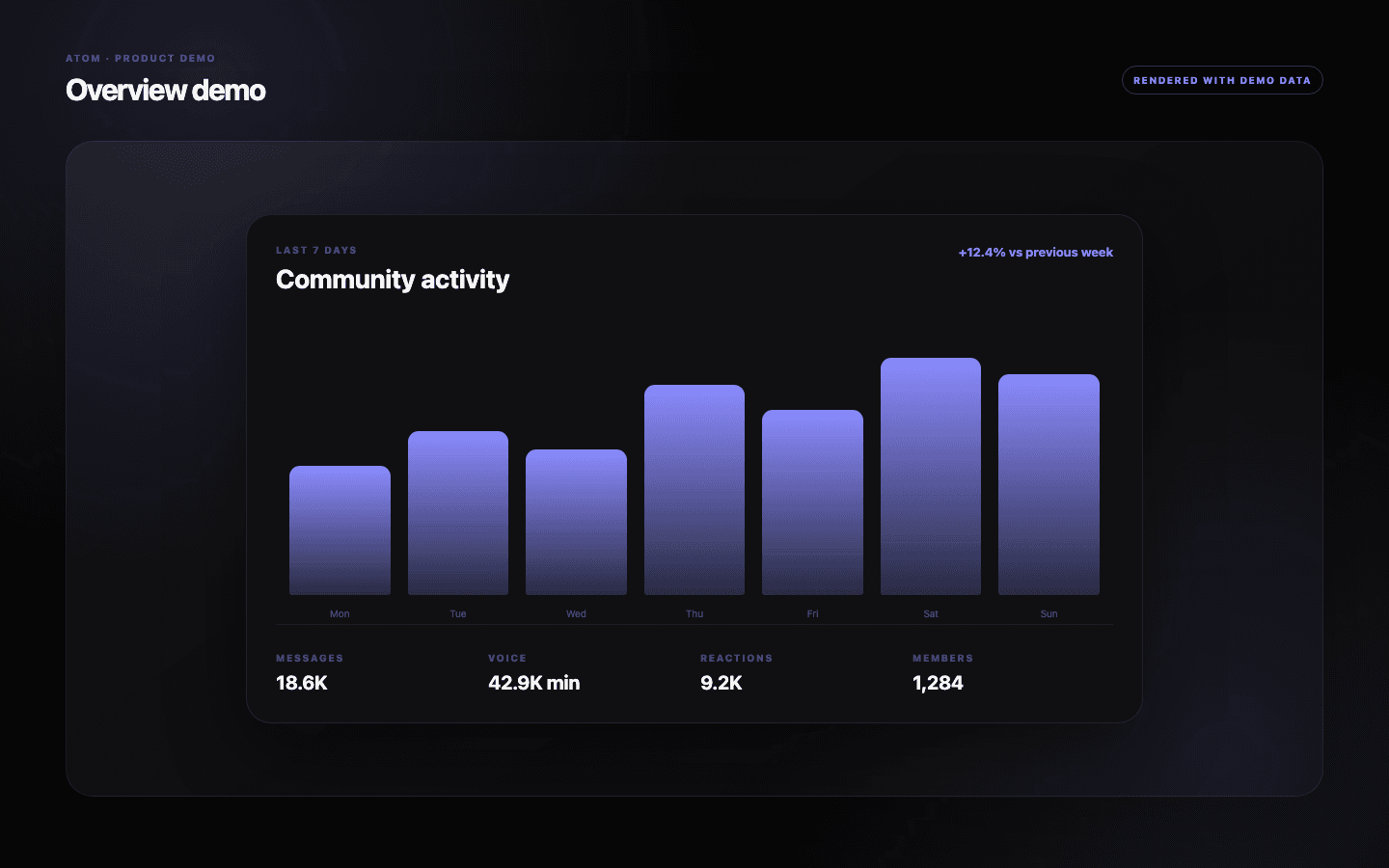
Messages, voice time, reactions, active members, and channel participation describe different kinds of involvement. A rise in messages with flat active-member counts can mean the same group is talking more. A rise in members with distributed channel activity can indicate broader participation. Atom does not collapse those stories into one opaque engagement score, so administrators can keep the evidence visible.
From observation to action
Use the trend to find the setting worth inspecting.
Overview is most useful when it sends you to a focused configuration page. If voice activity is growing but progression is not, review Voice Experience and its eligibility rules. If one channel accounts for an unusual share of messages, inspect channel multipliers and blacklists before changing the server-wide XP range. The analytical view identifies where to look; the dedicated editor remains the place where a rule changes.
That separation matters for operational safety. Opening an analytics report should never save a setting or alter a member balance. Administrators can explore periods, compare patterns, and share observations with moderators before anyone touches the progression model.
- Check the same weekday or event window before calling a short-term spike a trend.
- Pair activity totals with active-member counts to distinguish depth from reach.
- Inspect the relevant editor and its exclusions before increasing rewards.
A practical cadence
Review slowly enough to avoid tuning the community around noise.
For most established servers, a weekly review is frequent enough to catch a meaningful change without reacting to every busy evening. Record what changed outside Atom—an event, announcement, school holiday, raid, or creator stream—because community context often explains the chart better than a configuration change does.
When you do adjust XP, cooldowns, or multipliers, change one family of rules at a time and compare an equivalent period afterward. That creates a modest but useful feedback loop: observe, form a hypothesis, make a bounded change, then check whether participation became healthier rather than simply larger.
Common questions
What administrators ask before they switch it on.
Does Overview change XP or member levels?
No. Overview is a read-only analytics surface. Changes to XP, multipliers, rewards, and exclusions happen in their dedicated dashboard editors.
Which activity does the Overview include?
The current dashboard describes messages, voice participation, reactions, active members, and channel activity recorded for the selected server and period.
Why is my Overview empty?
Atom needs recorded server activity before it can build a useful view. An empty state can also appear when upstream analytics are temporarily unavailable; no configuration is changed in either case.
What period should I use?
Use day for a live event, week for normal operations, and month or year for durable trends. Compare like-for-like periods whenever possible.