
In brief
What Prefix does in Atom.
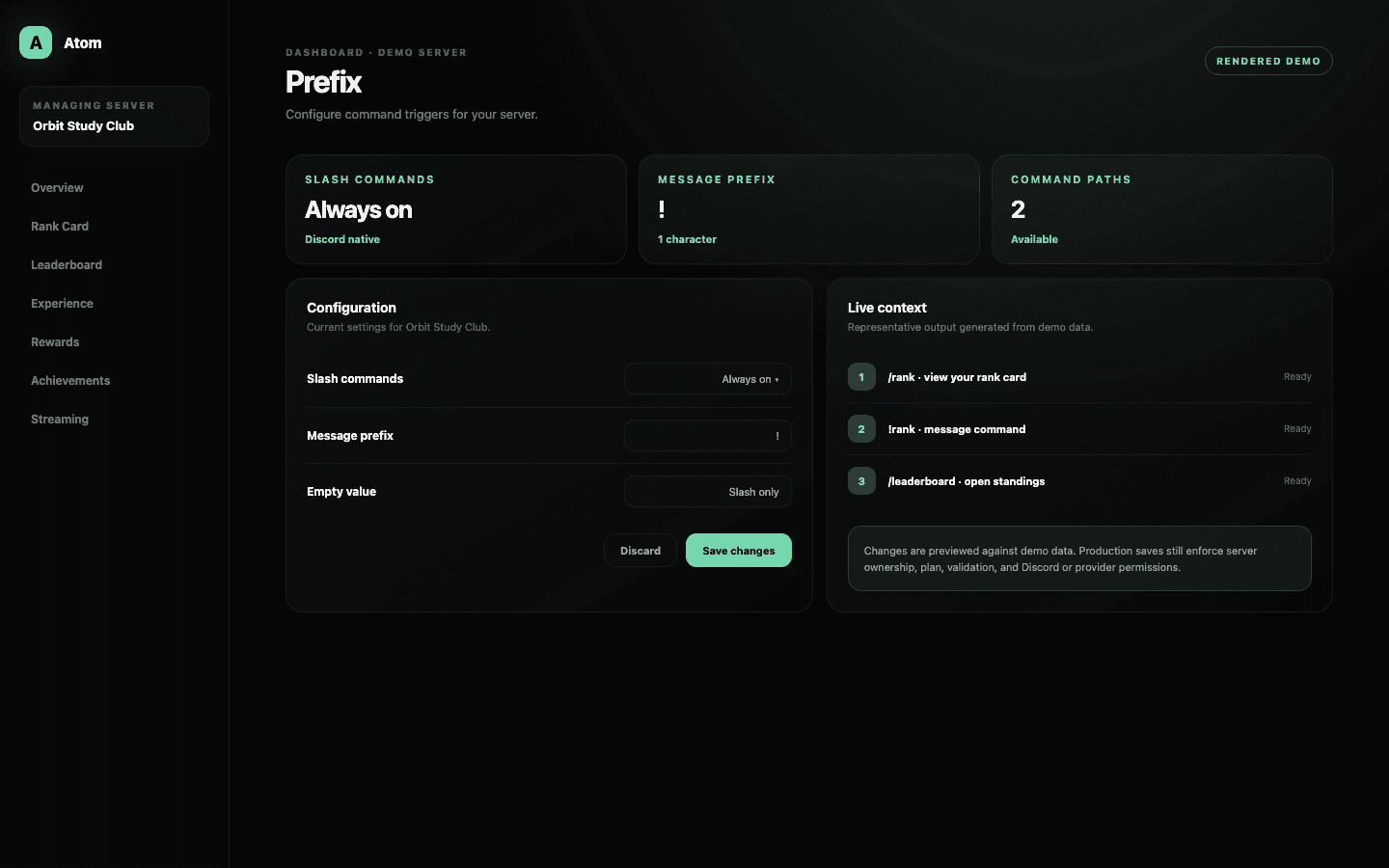
Atom Prefix controls the optional single character placed before legacy message commands. Discord slash commands remain enabled regardless of this setting. A blank prefix disables the additional message trigger instead of disabling Atom commands altogether.
01
Slash commands are always on and do not depend on a message prefix.
02
The optional message prefix is one character and can be left blank.
03
Choose a trigger that does not collide with other bots or normal conversation.
One permanent path, one optional path
Slash commands stay predictable across every server.
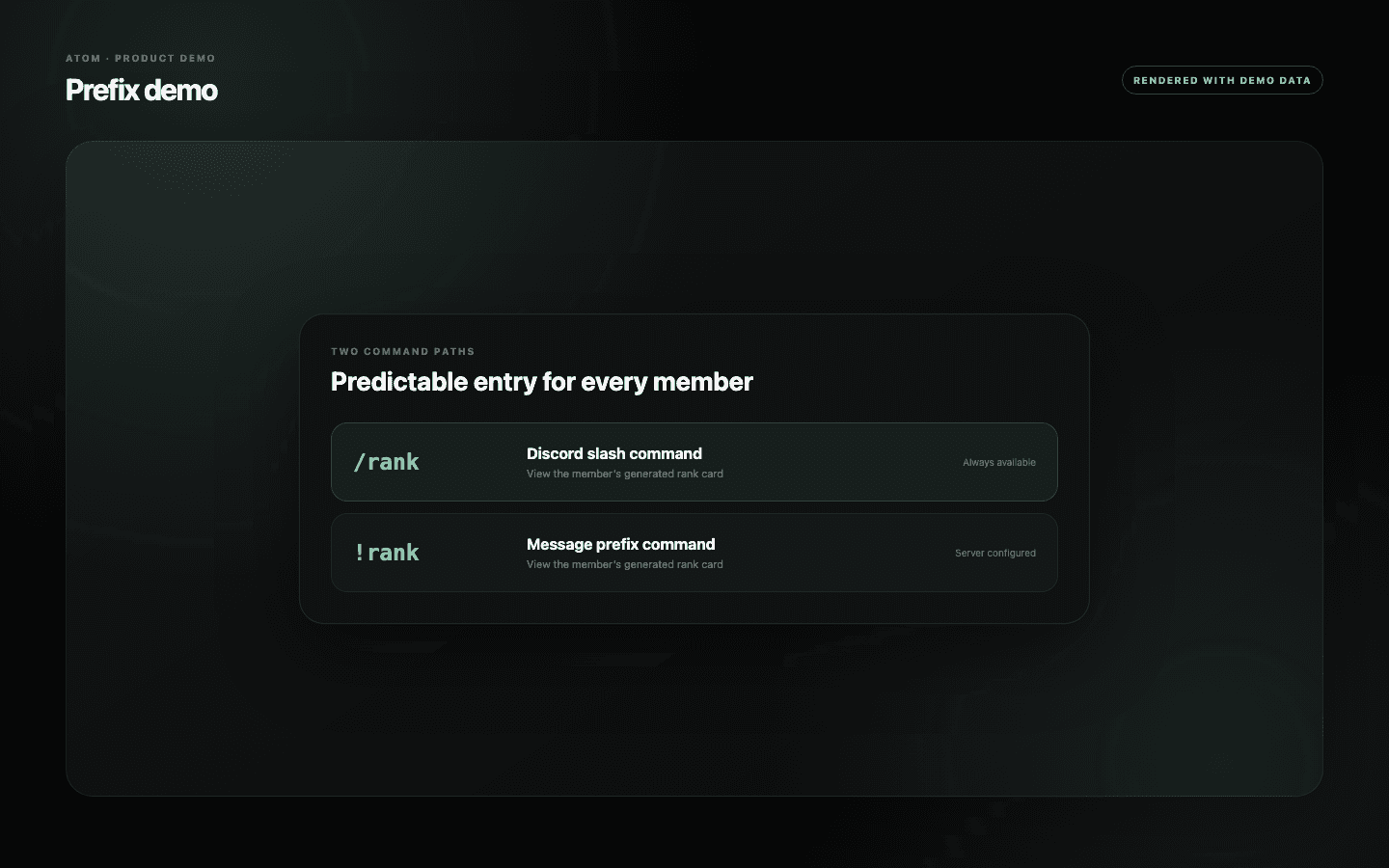
Discord slash commands are discoverable, structured, and always enabled in Atom. Members can type a slash, choose an Atom command, and see the available options before sending it. Changing the message prefix does not rename, hide, or disable those commands.
The message prefix exists for communities that still prefer compact text commands or have established habits from an earlier bot. It is intentionally limited to a single character. That makes the trigger fast to type and reduces the chance that a word or phrase captures ordinary conversation.
Make collisions unlikely
A good prefix is memorable because it stays out of the way.
Before choosing a character, check the prefixes used by moderation, music, ticketing, and utility bots in the same server. Two bots can receive the same message and produce confusing responses. A familiar character such as an exclamation mark is easy to teach, but uniqueness matters more than convention in a busy automation stack.
Leaving the field empty is a valid configuration. Slash-command-only operation can reduce accidental triggers, make permissions easier for members to understand, and keep command discovery inside Discord’s native interface. Atom treats the blank value as a deliberate choice rather than an error.
- Use one visible character that is easy to type on desktop and mobile.
- Avoid a trigger already claimed by another active bot.
- Publish one canonical command style in onboarding and help messages.
A small setting with clear validation
Atom validates the trigger before it reaches the bot.
The dashboard limits the field to one character and validates the form as it changes. Saving trims the value and reports a dashboard error if the update cannot be accepted. A failed request leaves the existing prefix in place; retrying does not require members to guess which value won.
Message-prefix changes can depend on the server plan. When the field is locked, slash commands continue to work and the saved server configuration remains unchanged. Upgrade boundaries are shown in the editor rather than failing after an administrator enters a value.
Member communication
Change the trigger once, then teach the new path everywhere.
A prefix is tiny in the dashboard but widespread in member habit. Update onboarding, pinned help, command examples, and moderator macros at the same time. If you are moving to slash commands only, explain that the commands still exist and show members how Discord’s picker reveals their options.
Avoid cycling prefixes to solve isolated command confusion. First identify whether the conflict belongs to Atom, another bot, a channel permission, or an outdated help message. Stable command entry is more valuable than a theoretically perfect character that changes every month.
Common questions
What administrators ask before they switch it on.
Do slash commands stop working when I change the prefix?
No. Atom’s slash commands are always enabled. The prefix only controls the additional message-command trigger.
Can the prefix contain several characters?
No. The dashboard accepts a single character so message commands remain compact and predictable.
Can I disable message commands?
Yes. Leave the message-prefix field empty and save; members can continue using slash commands.
Why is the prefix field disabled?
Custom message prefixes can depend on the server’s subscription tier. The existing configuration and slash commands continue to operate.