
In brief
What Store does in Atom.
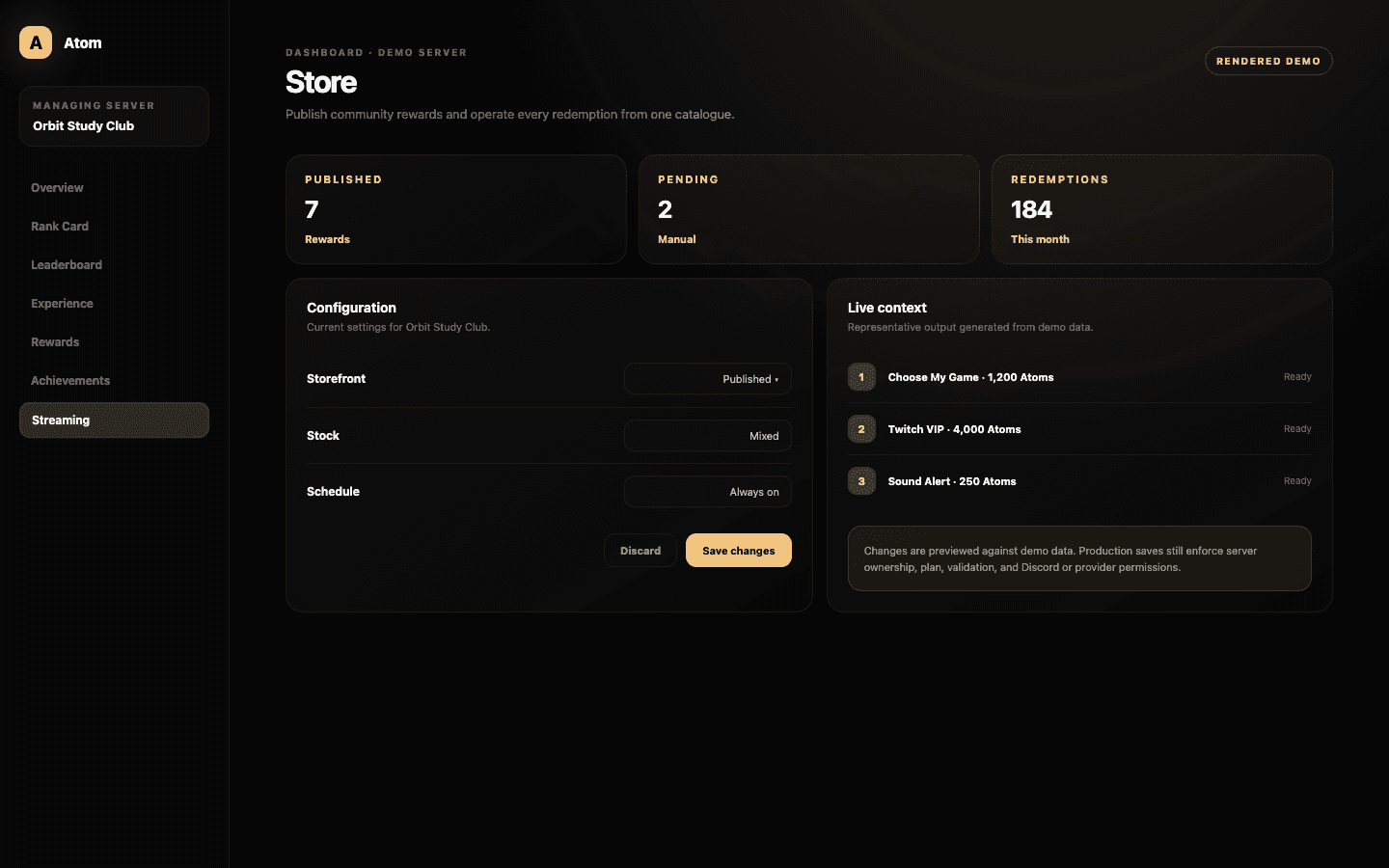
Atom Store is the reward catalogue for community Atoms. Administrators can publish custom, Discord role, Twitch VIP, sound, text-to-speech, media, and alert items with price, stock, member limits, cooldowns, and schedule windows. Members see availability and cost before checkout.
01
The reward type decides whether fulfilment is manual, Discord-based, provider-based, or delivered through OBS.
02
Price, stock, member limit, cooldown, and schedule determine availability before a member spends.
03
Store History is the operational record for pending and completed redemptions.
Seven fulfilment paths
Start with what should happen after checkout.
A custom reward creates a manual request. Discord role and Twitch VIP rewards depend on external permissioned actions. Sound, text to speech, media, and native alerts travel through the Atom Overlay. Choosing the type first lets the builder show only the delivery controls relevant to that outcome.
Do not use a generic manual reward to imitate an automatic type that is available and testable. Automatic delivery gives members faster feedback and staff a clearer history. Use manual fulfilment when the reward genuinely requires judgment, scheduling, or a human promise.
Economy guardrails
A reward is defined as much by its limits as by its name.
Set the Atom price against the real earning rate and the cost of fulfilment. Stock limits total supply, a per-member limit protects distribution, cooldown controls repeat pace, and start or end times support events. The storefront evaluates these conditions before checkout and explains when an item is unavailable.
For text-to-speech, media, and sound, include input and asset rules that fit the live environment. Connect Twitch before publishing VIP, and verify that Atom can manage the Discord role before selling it. An active toggle is not proof that the downstream platform will accept the action.
The member experience
Share one canonical place for balance, availability, and checkout.
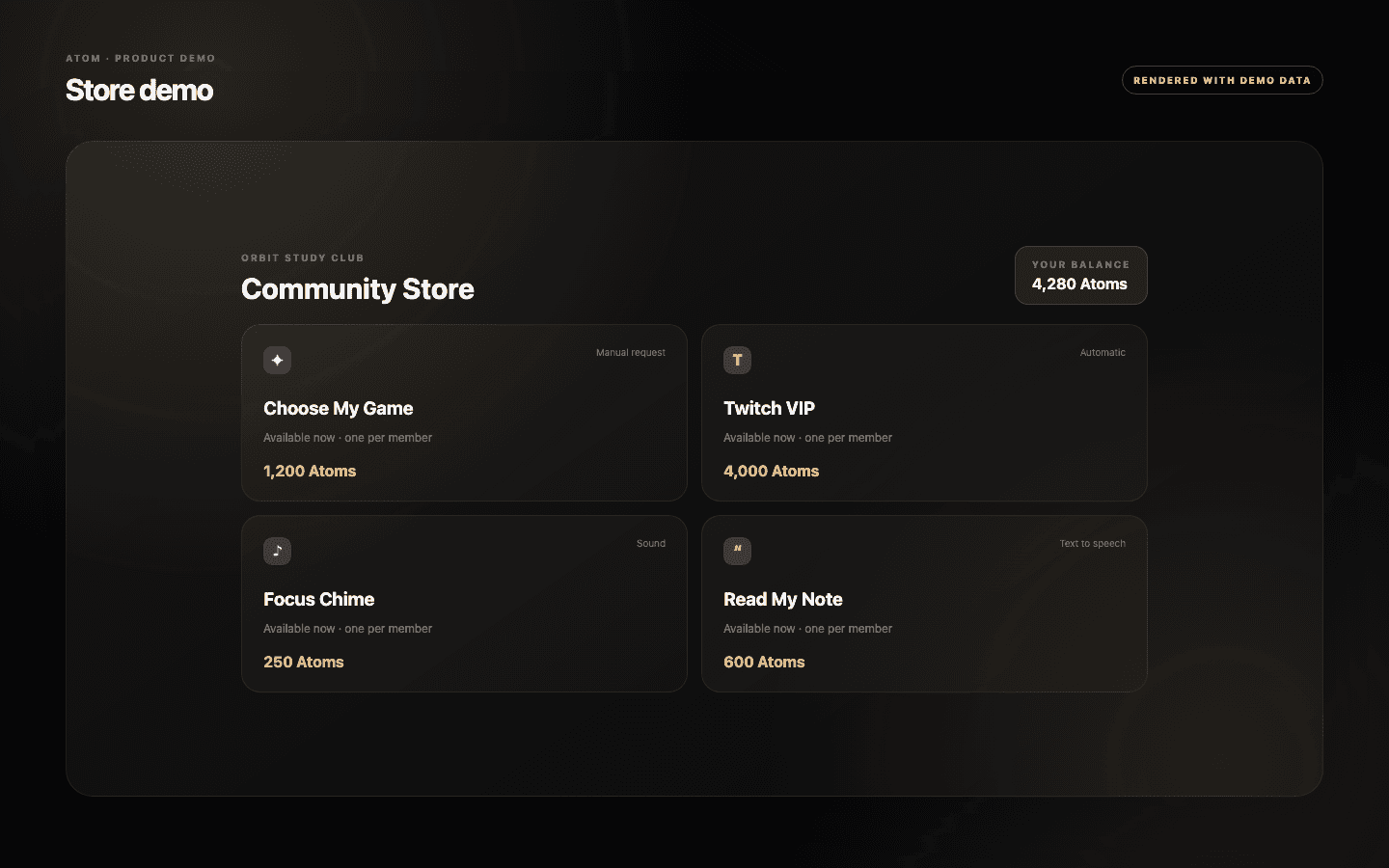
The community storefront belongs to one server. It shows the signed-in member’s balance, active items, exact costs, availability reasons, required input, and personal redemption history. Use the dashboard’s copyable URL in panels, onboarding, and stream chat rather than reproducing a catalogue that will become stale.
Write item titles and descriptions for members who have not seen the administrator form. State what will happen, when it will happen, and what input is acceptable. A clever reward name can coexist with precise delivery language; it should not replace it.
Fulfilment and review
Every spend should leave an outcome someone can follow.
Store History records the member, item, Atom cost, status, and time. Automatic outcomes can show completion or failure, while manual rewards remain visible for staff attention. Build an ownership routine for pending requests so members do not spend currency into an unmonitored queue.
Start with a small catalogue, test every automatic path, and use stock or cooldown for effects that could overwhelm a stream. The existing streaming article walks through the complete member and administrator journey, including the storefront, reward editor, Overlay, Economy, and history views.
Common questions
What administrators ask before they switch it on.
Which reward types can Atom Store publish?
Custom, Discord role, Twitch VIP, sound, text-to-speech, media, and native alert rewards.
Can I limit a reward?
Yes. Items can use stock, per-member limits, cooldown, active state, and optional schedule windows.
Where do members redeem rewards?
They use the shareable community storefront, which shows their balance, availability, checkout inputs, and history.
How do administrators track manual rewards?
Store History keeps pending and completed outcomes visible with the member, item, cost, status, and time.