
In brief
What YouTube does in Atom.
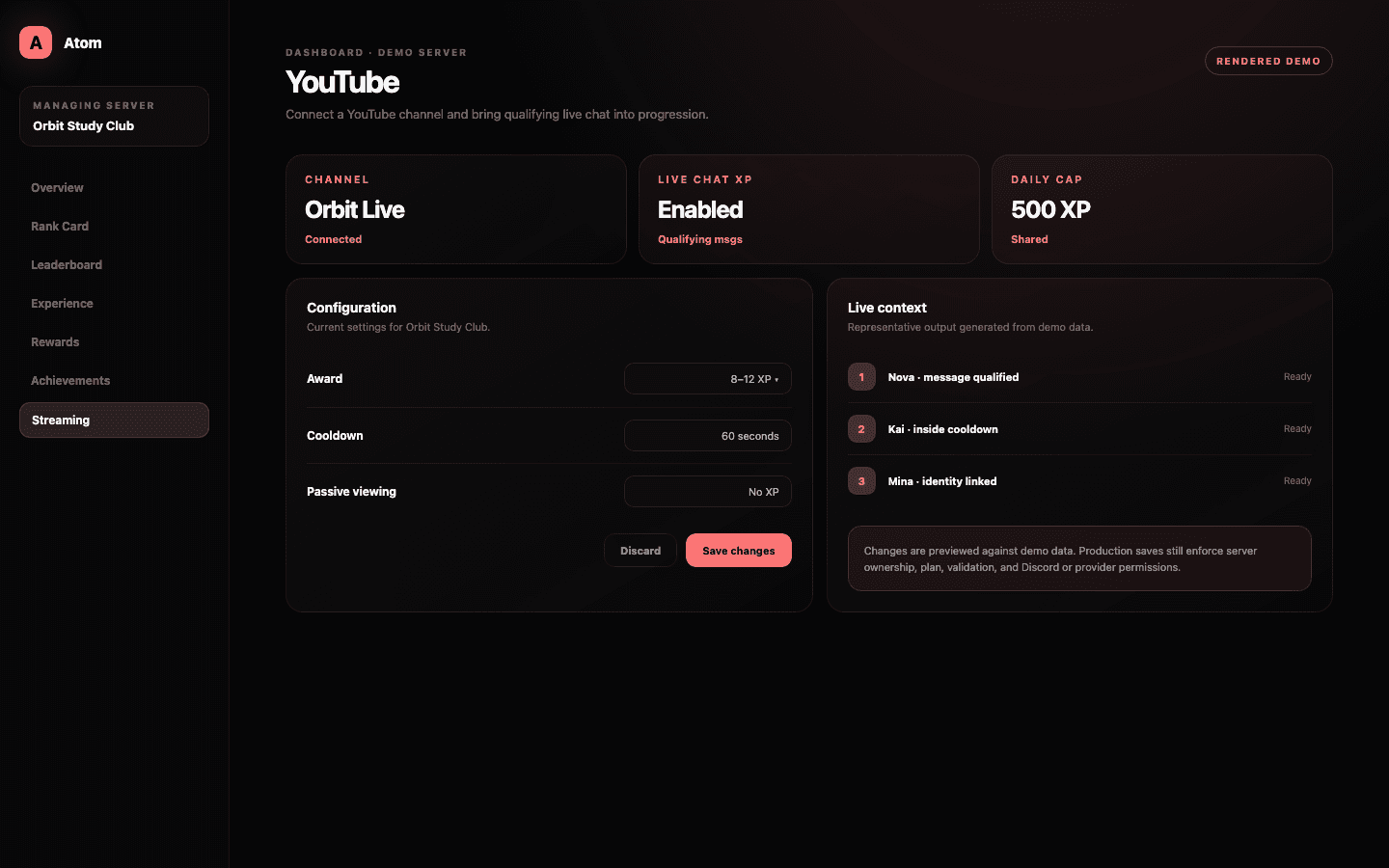
Atom YouTube connects a managed Discord community with an authorized YouTube channel for supported streaming activity. Eligible live chat messages can contribute to the server progression model when Live Chat XP is enabled; passive watching does not earn XP.
01
Connect the creator channel that owns the live chat you intend to recognize.
02
Only qualifying chat activity can earn progression; passive viewing is not an XP source.
03
YouTube uses the shared Live Chat XP cooldown and optional daily cap alongside other connected sources.
Creator identity
Authorize the channel that hosts the live community.
Use Connections or the YouTube provider page and review the channel identity returned by authorization. A Google account can manage multiple YouTube identities, so the signed-in account alone is not enough evidence that Atom is attached to the correct creator surface.
The connection belongs to the selected Discord server and can be managed without changing Twitch or Kick. If channel ownership, permissions, or brand accounts change, reauthorize and verify the displayed identity before relying on live chat progression.
Qualifying activity
Reward participation in chat, not the fact that a video is open.
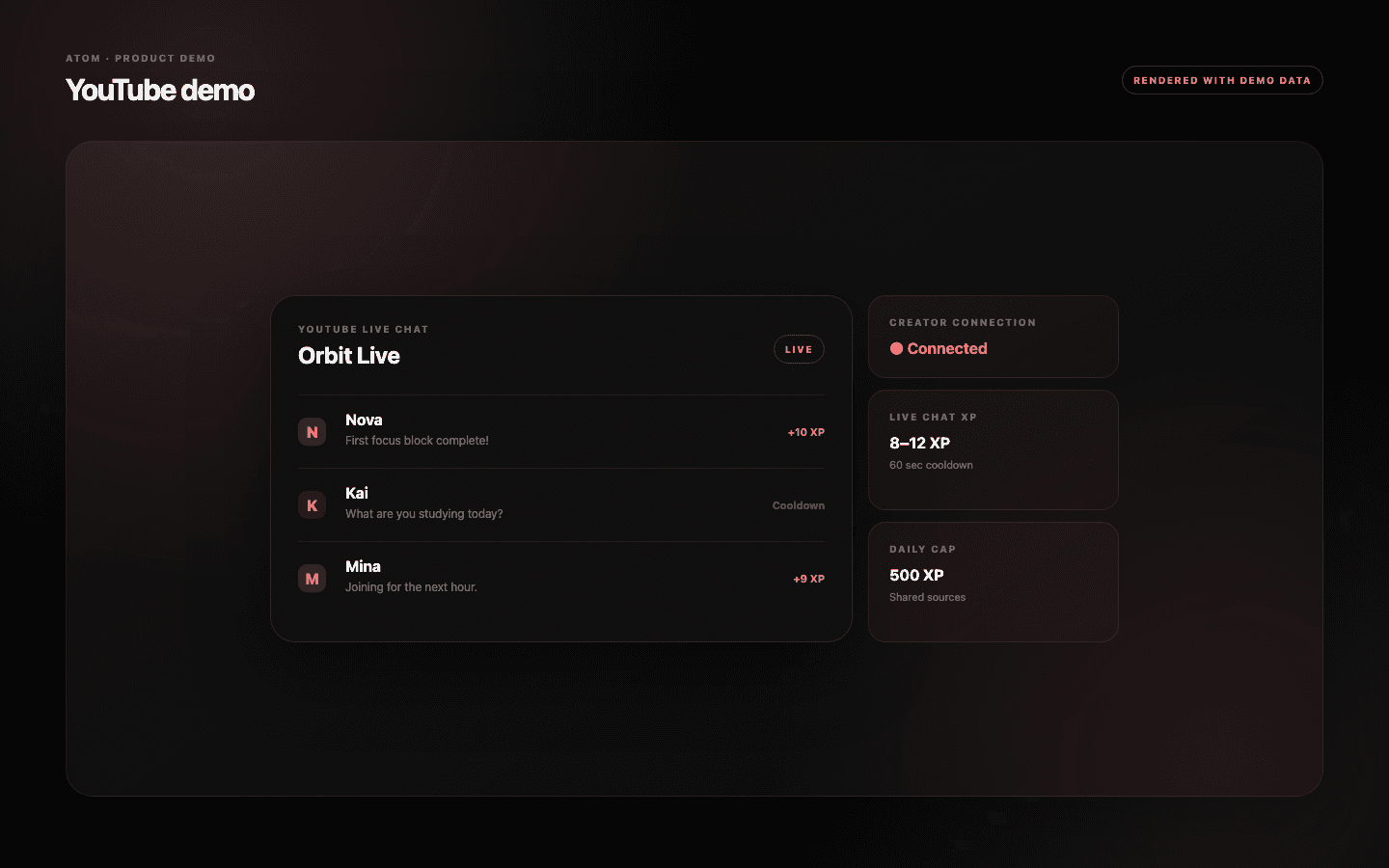
Live Chat XP must be enabled and given a minimum and maximum award for qualifying messages. Atom does not award XP for passive viewing. That distinction keeps progression tied to observable participation and avoids claiming watch-time data the integration does not use.
The cooldown and optional daily cap are shared across connected live-chat sources in the server policy. A member active on YouTube and another platform should not be able to multiply the same intended pace simply by switching tabs.
Cross-platform attribution
A chat message is useful only when it can be linked and moderated responsibly.
YouTube and Discord identities are separate. The supported linking and attribution path determines whether a message can contribute to the intended member record. Administrators should explain any required connection step and avoid promising rewards for accounts Atom cannot associate safely.
Normal YouTube moderation remains authoritative for the live chat. Atom progression is not a replacement for slow mode, blocked words, moderators, or platform enforcement. Exclude or disregard behavior that violates the creator’s chat policy even if it is technically countable.
Launch verification
Verify the complete path during a controlled stream.
Use an unlisted or planned test session where appropriate, send qualifying messages from a linked test member, and confirm that awards respect range, cooldown, and cap. Then check Discord progression rather than relying only on provider connection status.
If messages are missing, inspect channel identity, live state, account attribution, browser-extension or ingestion requirements, and server rules in order. The streaming article provides the wider context for turning that progression into Atoms and storefront rewards.
Common questions
What administrators ask before they switch it on.
Does watching a YouTube stream earn Atom XP?
No. Passive viewing does not earn XP; only supported qualifying live chat activity can contribute.
Can YouTube and Twitch share one cooldown?
Atom’s Live Chat XP uses a shared server pacing policy across connected sources, including the cooldown and optional daily cap.
Why is the wrong YouTube channel connected?
One Google account can manage multiple channel identities. Disconnect or reauthorize and confirm the exact creator channel shown by Atom.
Does Atom replace YouTube chat moderation?
No. YouTube moderation controls and creator policy remain responsible for the live chat itself.