
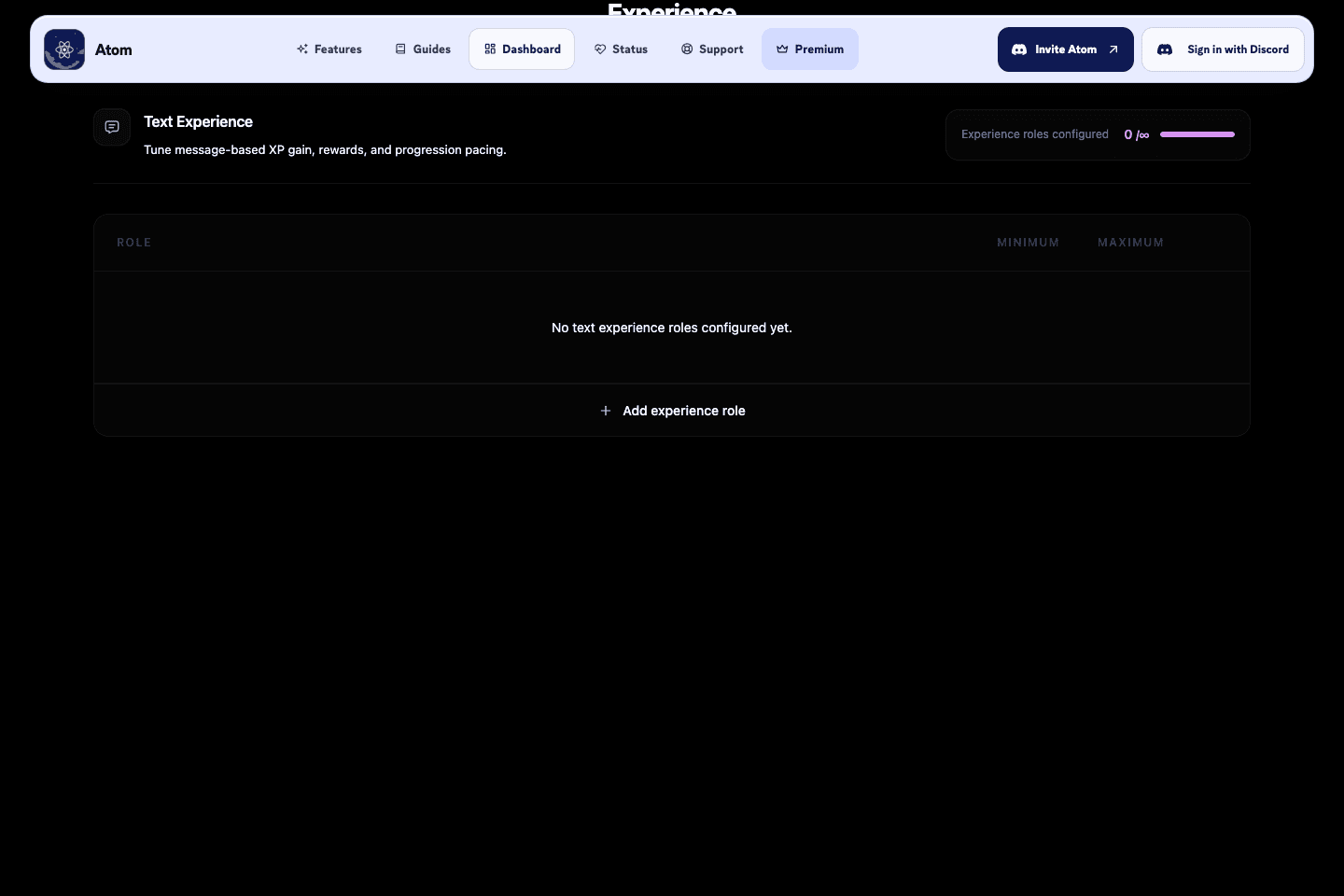
- A configured role range overrides the everyone range for the member’s highest-position configured role.
- Channel multipliers can also apply through a parent category for text XP.
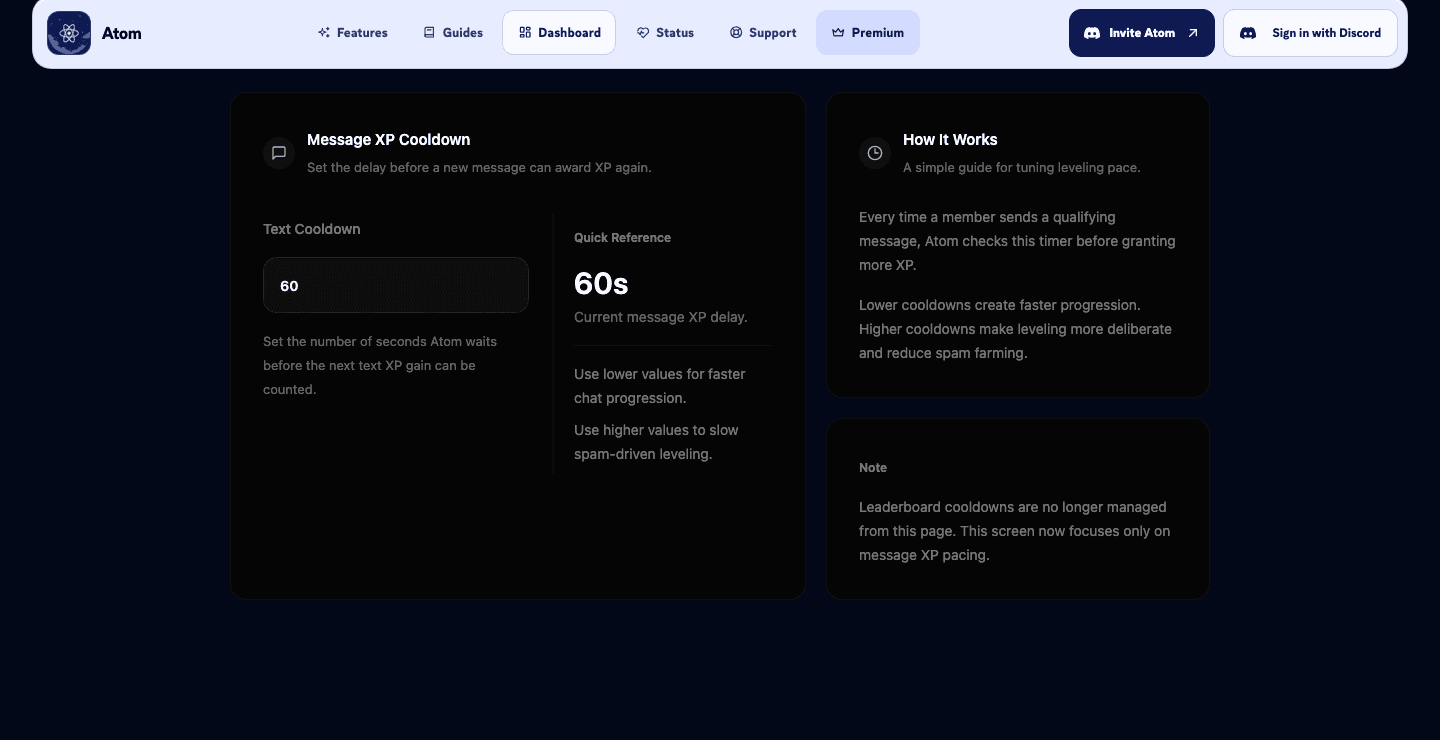
- The text-XP cooldown records an award interval per member, so rapid message volume does not receive every possible award.
Configured XP rangeEveryone range or highest configured role range
×Eligible multipliersScheduled multiplier × channel or category multiplier
×Member effectsActive vote multiplier and collectible perks where applicable
→Awarded XPQueued, then added to cumulative XP
Set a range you can explain
Use a range only when a little variation is desirable. Atom’s text calculation selects an integer from the configured minimum up to, but not including, the configured maximum; multiplier effects are applied after that base value. Keep an eye on the average, not just the largest displayed value.
Scope XP instead of policing every message
Use channel and category exclusions for places where progression is not meaningful, such as commands, bot spam, or off-topic utility channels. Use a channel multiplier when a particular space deserves more recognition. Review results before adding broad role bonuses.
Recommended sequence
- Set the everyone text-XP range in the dashboard.
- Set a text-XP cooldown that reflects the maximum award frequency you want.
- Add only the role or channel exceptions you can explain to members.
- Send representative messages in allowed and excluded channels, then verify the resulting XP.